
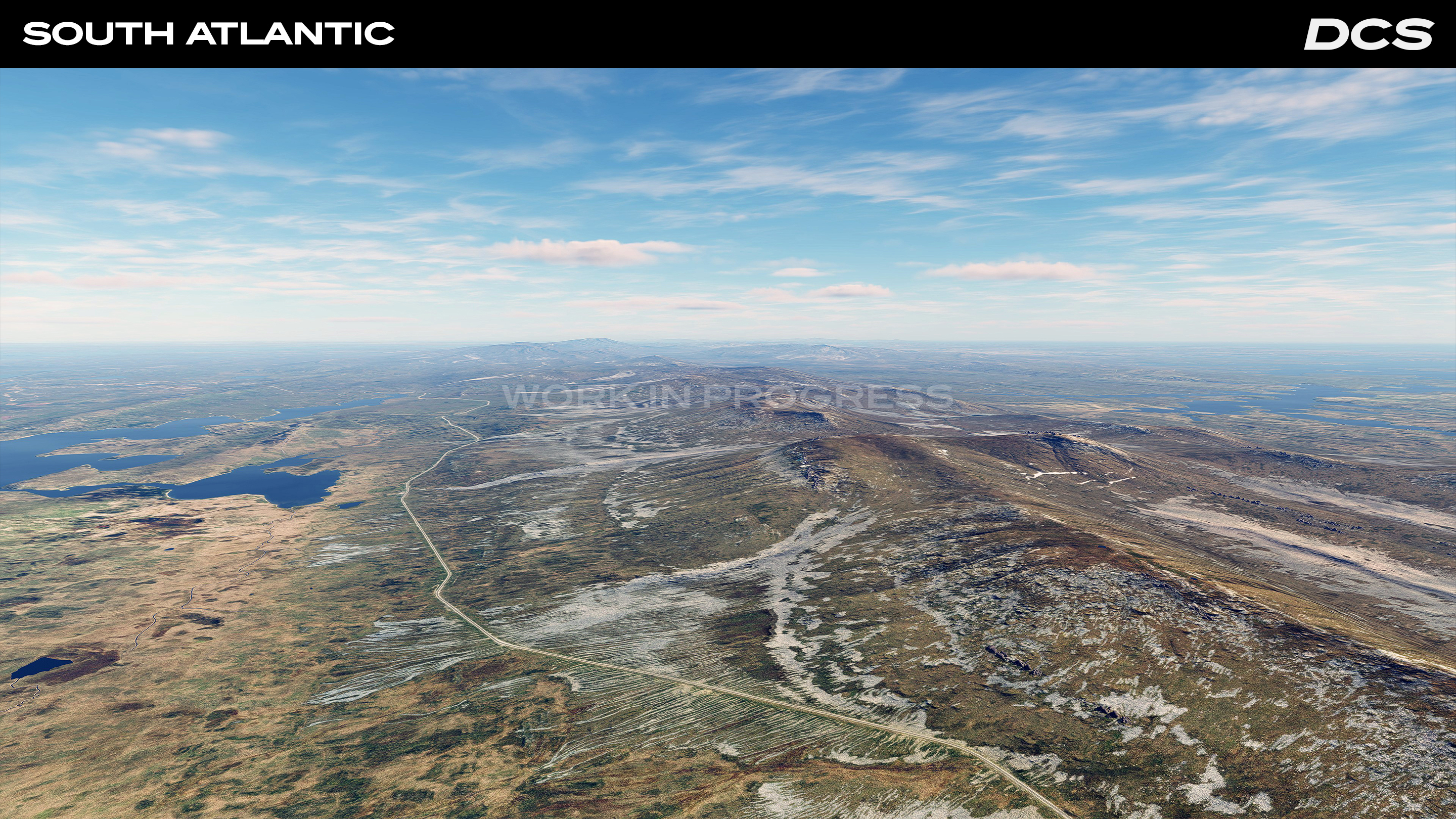
ATC support coming soon
South Atlantic Map
Explore the DCS map (opens in a new tab)
Voice-driven ATC assistance and cockpit guidance for DCS World—with support for JTAC, Overlord/AWACS, and air-to-air refueling.
Mission services require the relevant friendly units in your mission.
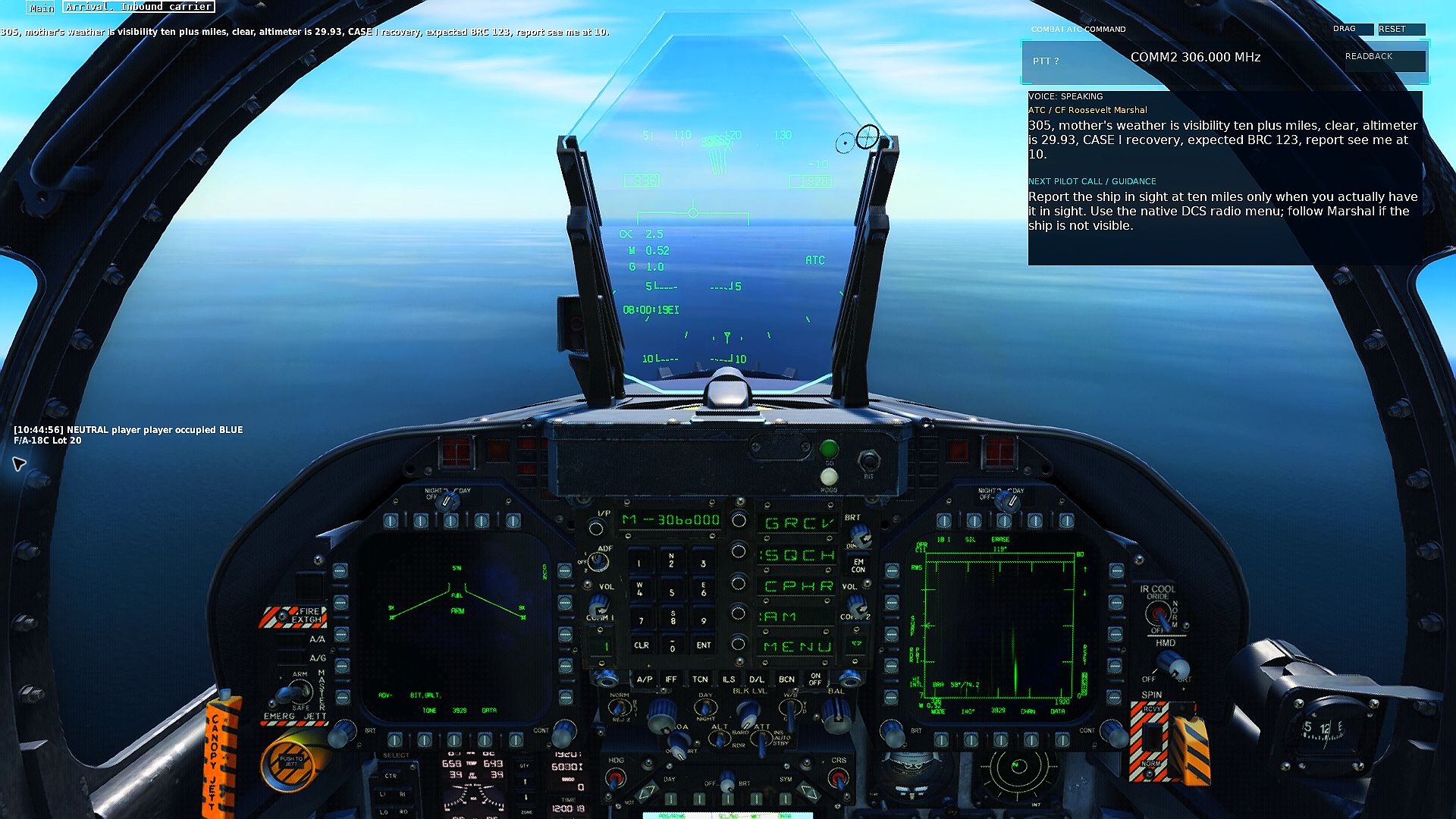
Cockpit display
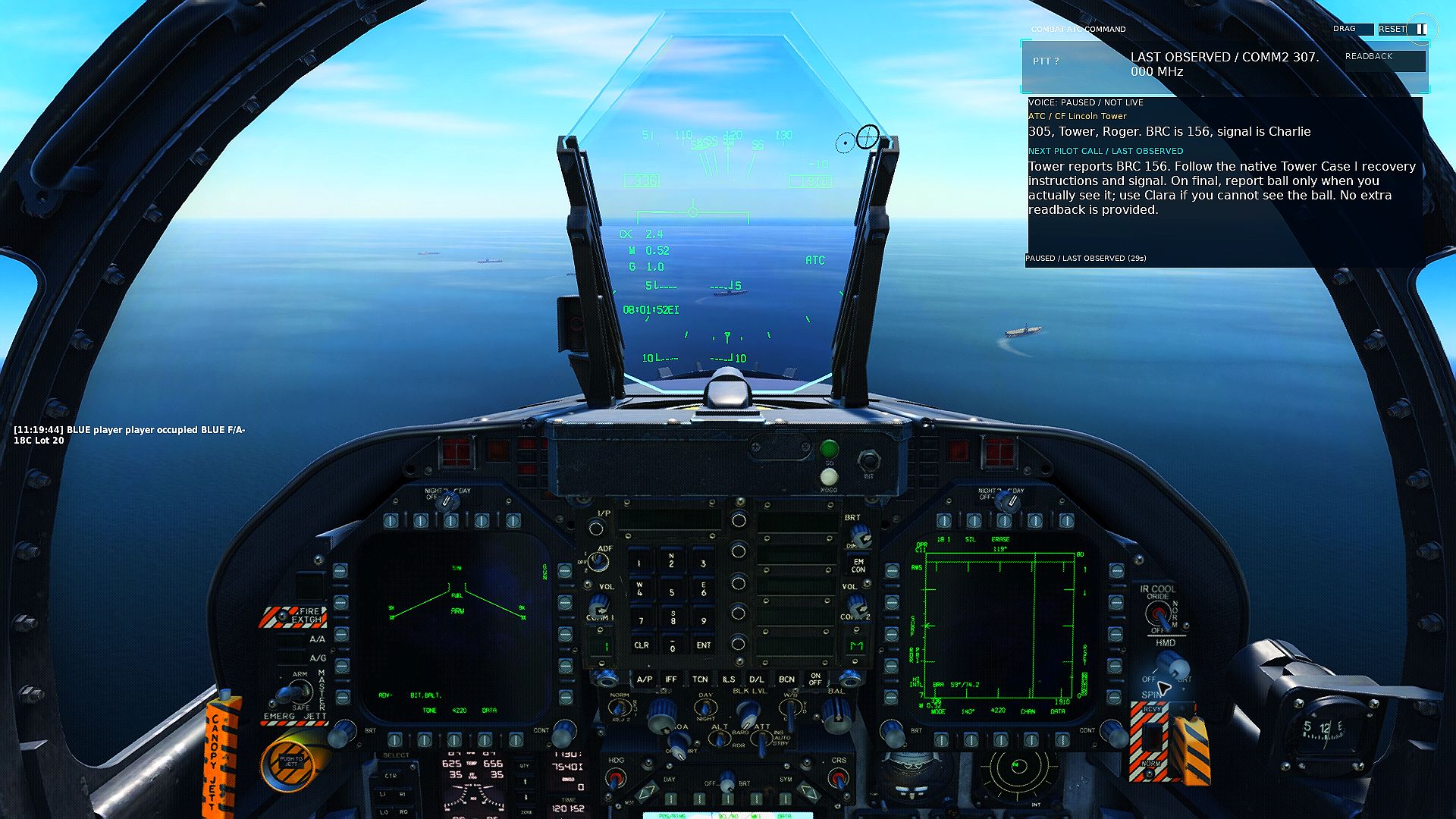
On this CASE I approach, the display identifies Roosevelt Marshal and COMM2 on 306.000 MHz. The guidance below is taken from the cockpit capture.
“Report the ship in sight at ten miles only when you actually have it in sight.”
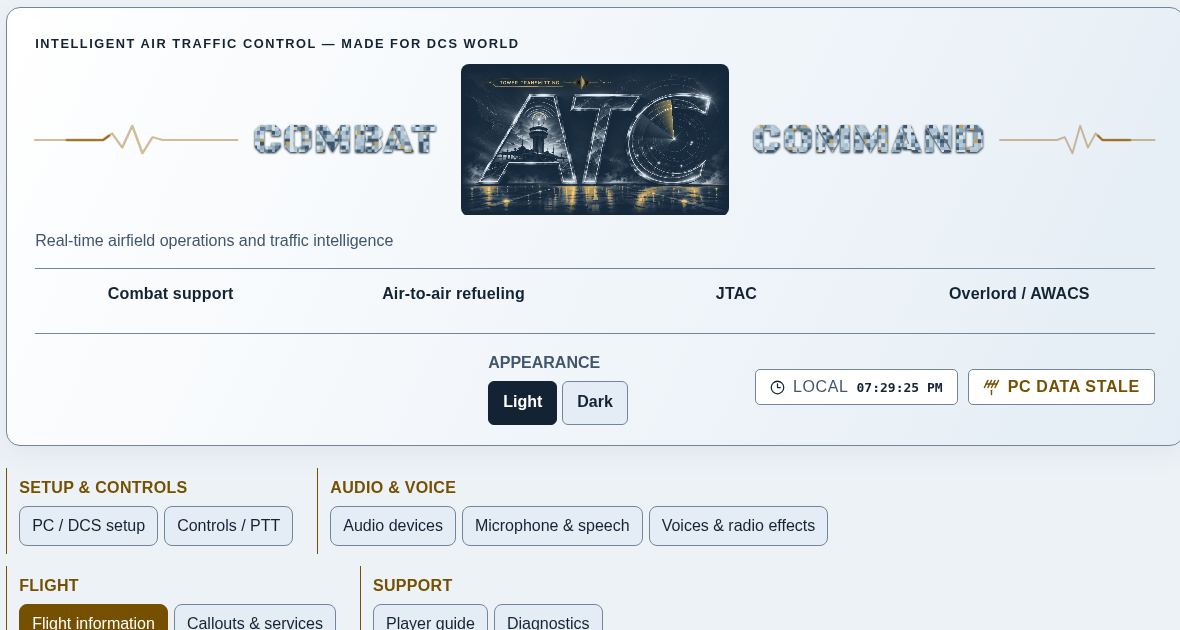
Callout services
Combat support
Combat-side control calls.
Air-to-air refueling
Tanker joins and breaks.
JTAC
Forward air controller work.
Overlord / AWACS
Airborne early warning control.
Service labels as listed in the dashboard’s Callouts & services tab.
How it works
The app runs beside DCS World on the gaming PC and is set up from the web dashboard. Three steps between a fresh download and a controller on the radio.
Download the Windows setup, install it on the gaming PC that runs DCS, then pair that PC to your dashboard account.
In the dashboard, set up the airports and carriers, bind your push-to-talk control, and choose the controller voices and callouts you want.
Start DCS. As your aircraft's flight data changes, the app issues the next call and you answer it on the radio.
Cockpit walkthrough
Follow a CASE I recovery in DCS World, from the inbound Marshal call to Tower guidance.
Actual DCS test screenshots
01 — Step
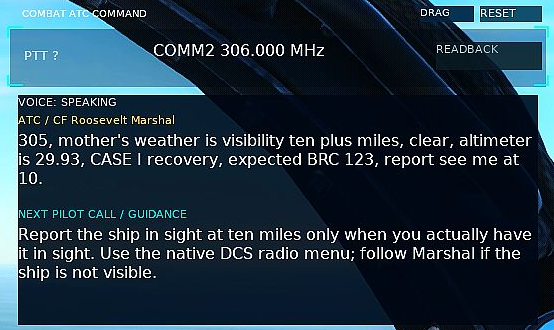
The compact display shows the controller call, the reported frequency, and guidance for the next pilot call.
Next pilot call guidance
Report the ship in sight at ten miles only when you actually have it in sight.
Captured during DCS World cockpit tests.
Tequila One Two · military radio demos
Choose taxi, carrier recovery, JTAC check-in or landing vectors. Hear Tequila One Two with different controller and pilot voices, radio static and PTT clicks. Audio stays off until you press Play.
Controller voice: Eric · Pilot voice: Adam
Ready. Press Play to listen.
Open audio file (opens in a new tab)Scripted DCS demonstrations, generated locally with our installed app voices and added radio effects. These are illustrative audio previews, not live cockpit recordings or verified mission instructions.
The carrier clip illustrates an inbound report and acknowledgment; JTAC illustrates check-in only. Native DCS Marshal, Tower and LSO retain carrier audio and operational authority. Mission services require relevant friendly units.
The dashboard
Pair your gaming PC to see reported flight data, configure push-to-talk, and manage your radio and display settings from the browser.
Carrier recovery
The cockpit display keeps the last observed Tower instruction and next pilot call in view. In the DCS cockpit capture, Tower reports BRC 156 and signal Charlie.
Native DCS Marshal, Tower and LSO retain their carrier audio and operational authority.
$29.99 introductory license · one-time purchase
Open Buy & Download to get Windows setup. Run it on the PC that flies DCS, then pair that PC to the dashboard and launch the sim.
Protected Windows setup · available through your licensed account
On the horizon
Combat ATC Command support for South Atlantic, Iraq and Iraq North is coming soon.
ATC support coming soon
Explore the DCS map (opens in a new tab)
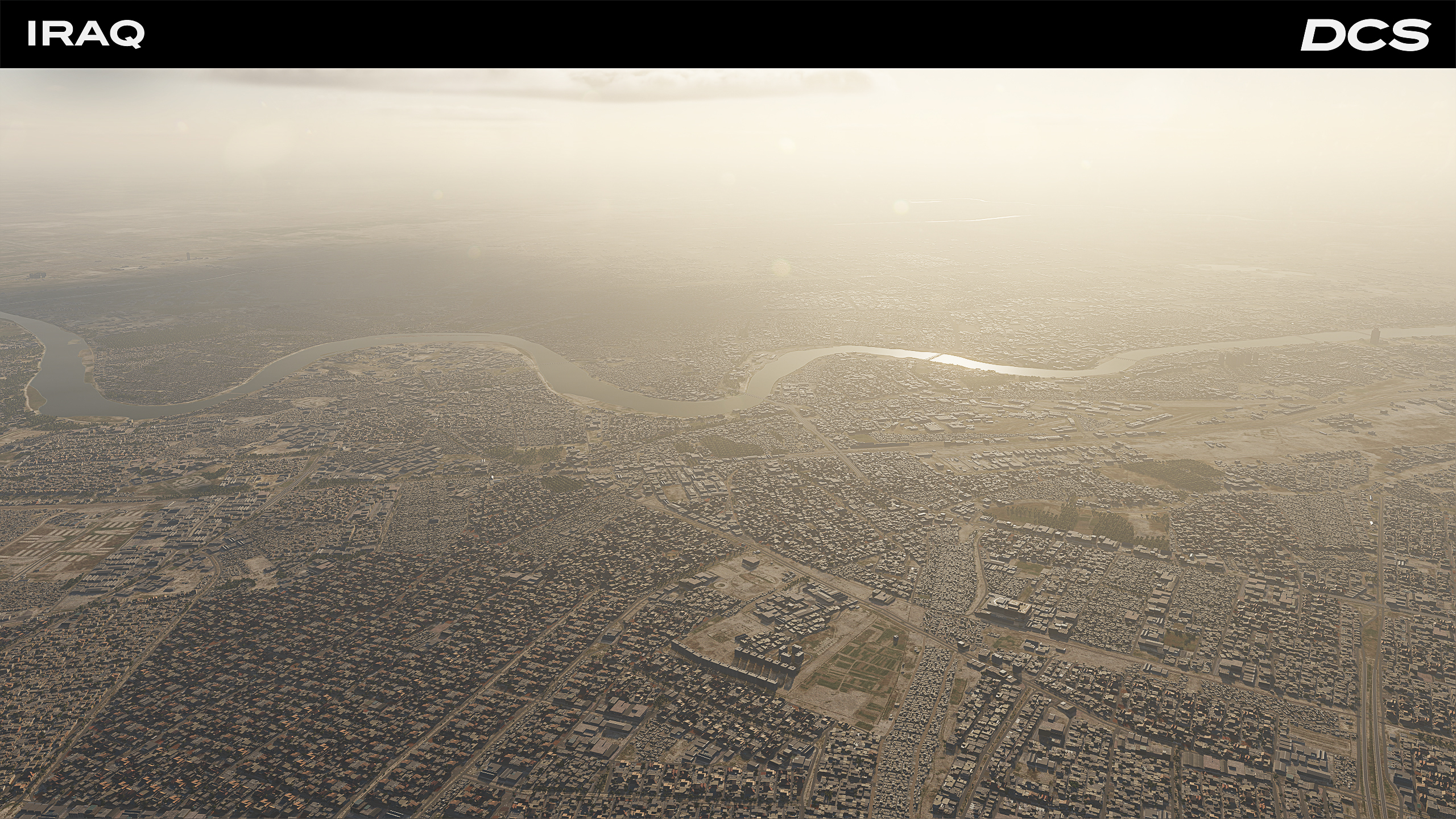
ATC support coming soon
Explore the DCS map (opens in a new tab)
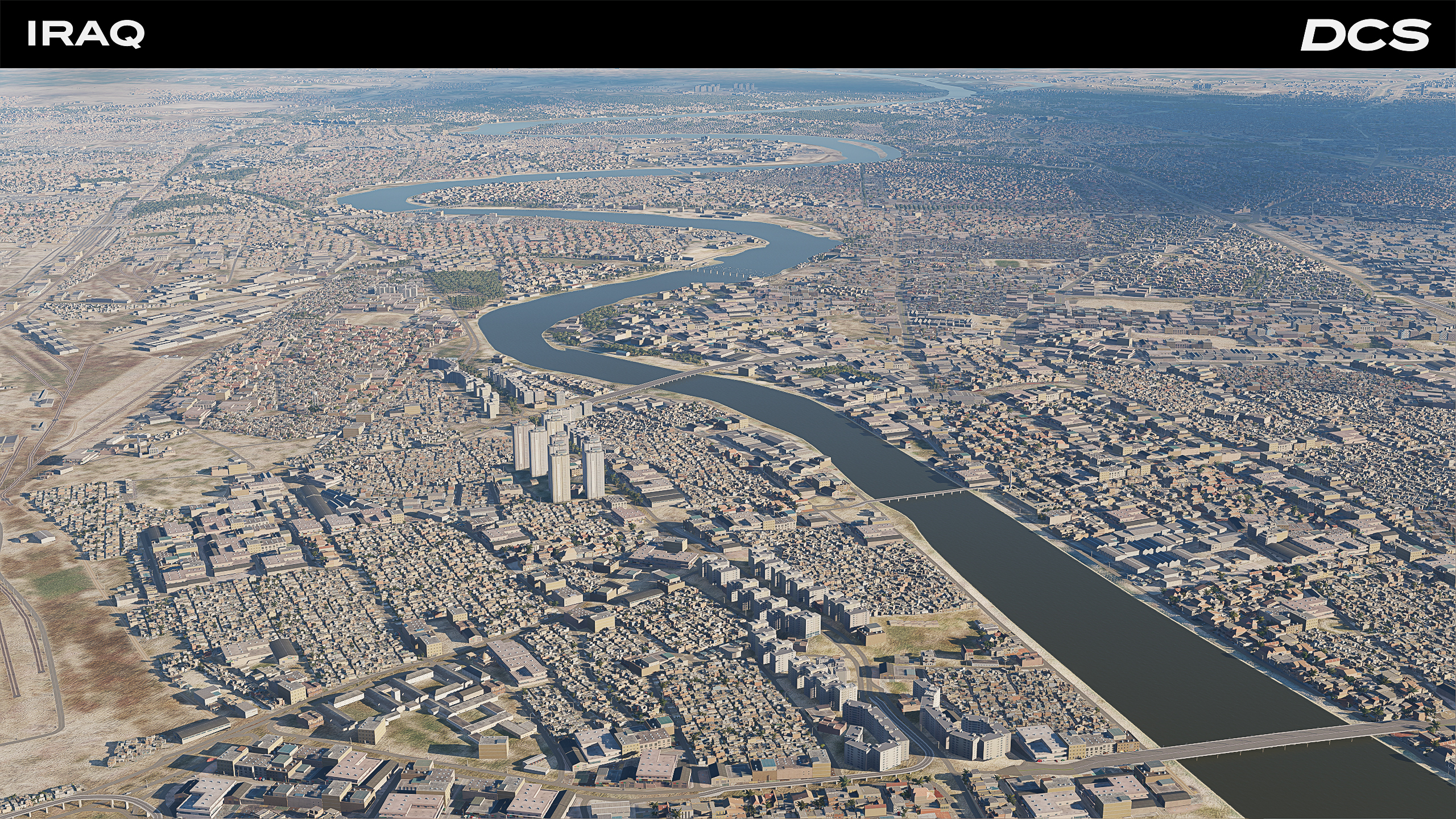
ATC support coming soon
Explore the DCS map (opens in a new tab)
Official terrain imagery from DCS World / Eagle Dynamics. Map modules sold separately. Images show the terrain; Combat ATC Command support is upcoming.